Counter
Tablet-based ordering with a clean product catalog and order flow.
Explore Pittsburgh-area pilots for restaurants, cafés and food trucks: POS, kitchen displays, order coordination and hands-on training.
Fast orders, modifiers, notes and role-based access.
Live tickets, timers and preparation states.
Mobile ordering for pickup and dynamic menus.
Card payment integration is planned; provider and hardware options are being evaluated.
Products, channels, ticket size and performance.
A two-tablet deployment can run front counter and kitchen without unnecessary hardware. The architecture can expand as the operation grows.
Tablet-based ordering with a clean product catalog and order flow.
A dedicated KDS keeps active tickets visible and organized.
Order-ahead reduces counter friction and supports pickup workflows.
Structured order data instead of disconnected totals and messages.
Every operation has a different bottleneck. We begin with the way your team takes orders and the equipment you already use, then define a practical pilot together.
Keep table or counter orders organized and visible in the kitchen. Train staff on a consistent handoff, then use recipe cost worksheets to review pricing decisions.
Start with a compact counter and kitchen setup. Explore branded advance ordering so customers can plan pickup without waiting in a parking line; availability depends on the pilot scope.
Follow an order from the counter to the kitchen and see how the same information helps an operator review the day. Each pilot is configured around the business.
Choose products, add modifiers and notes, and keep the ticket together before it moves to the kitchen.
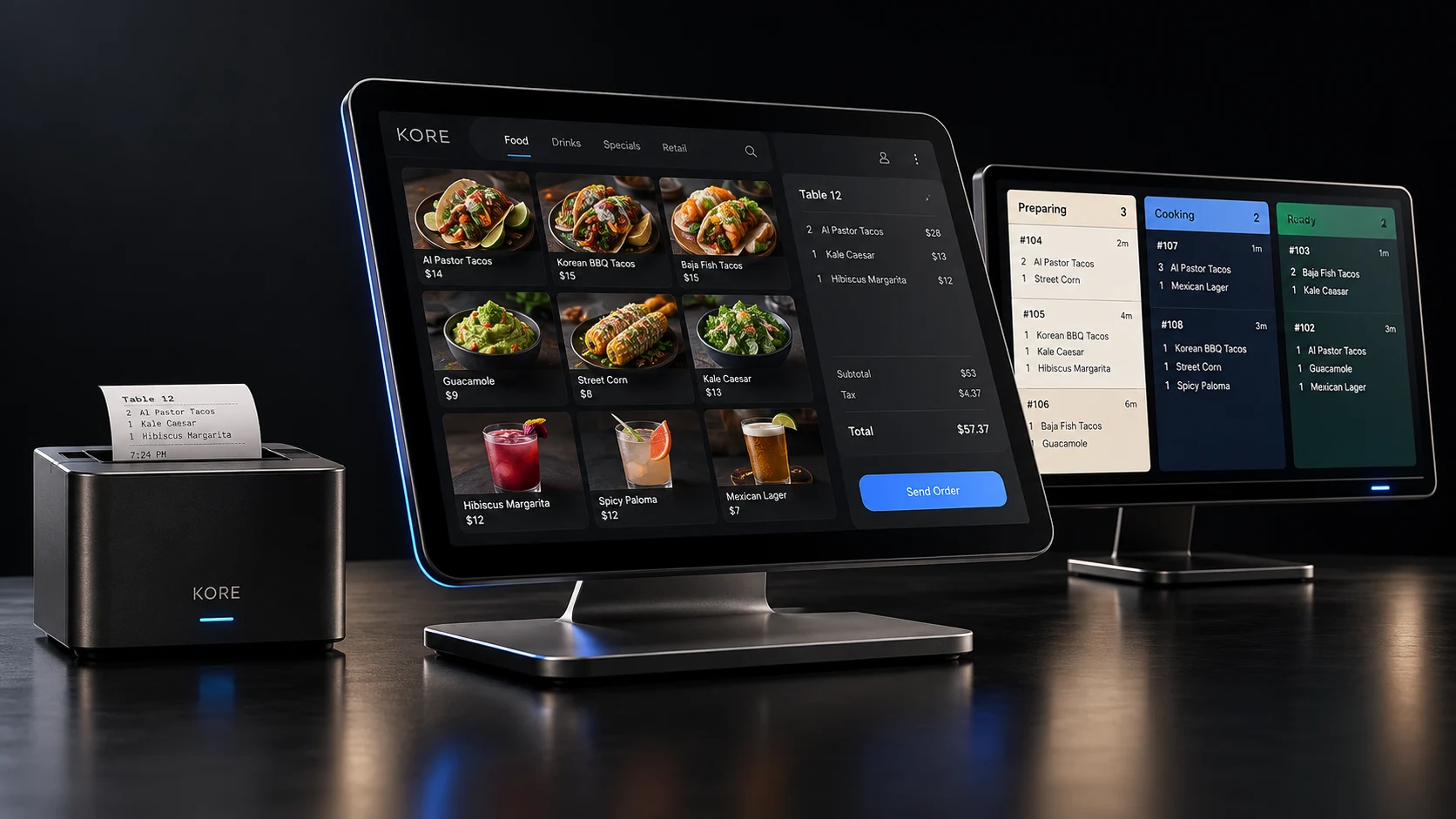 Conceptual KORE imagery; pilot features vary.
The order appears on a dedicated kitchen screen with its details and preparation status visible to the team.
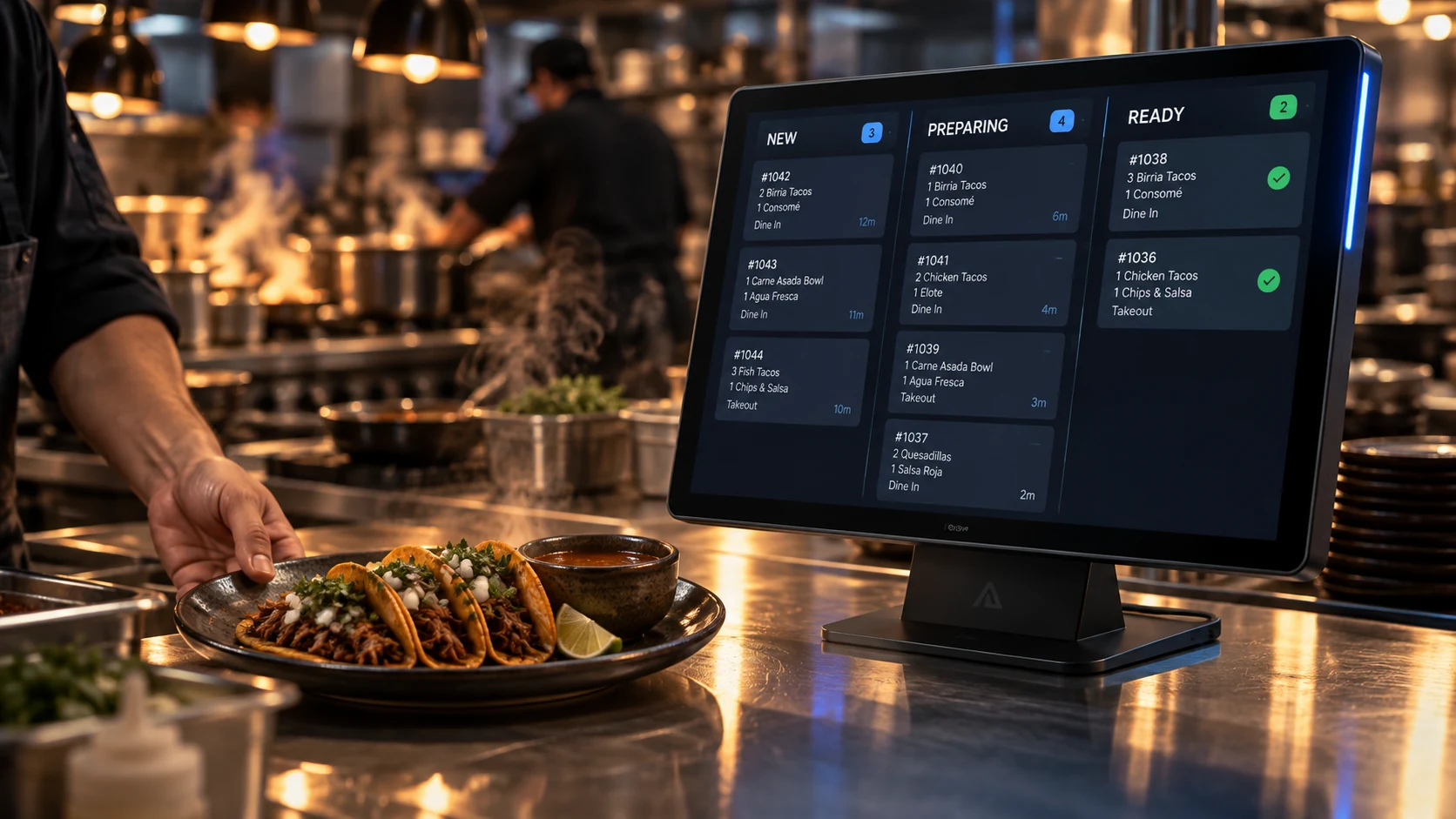 Conceptual KORE imagery; pilot features vary.
Structured tickets and ingredient cost worksheets give owners a starting point to review demand and pricing.
Explore a branded pickup ordering experience as part of a pilot. Availability and online payments depend on the agreed scope and payment provider.
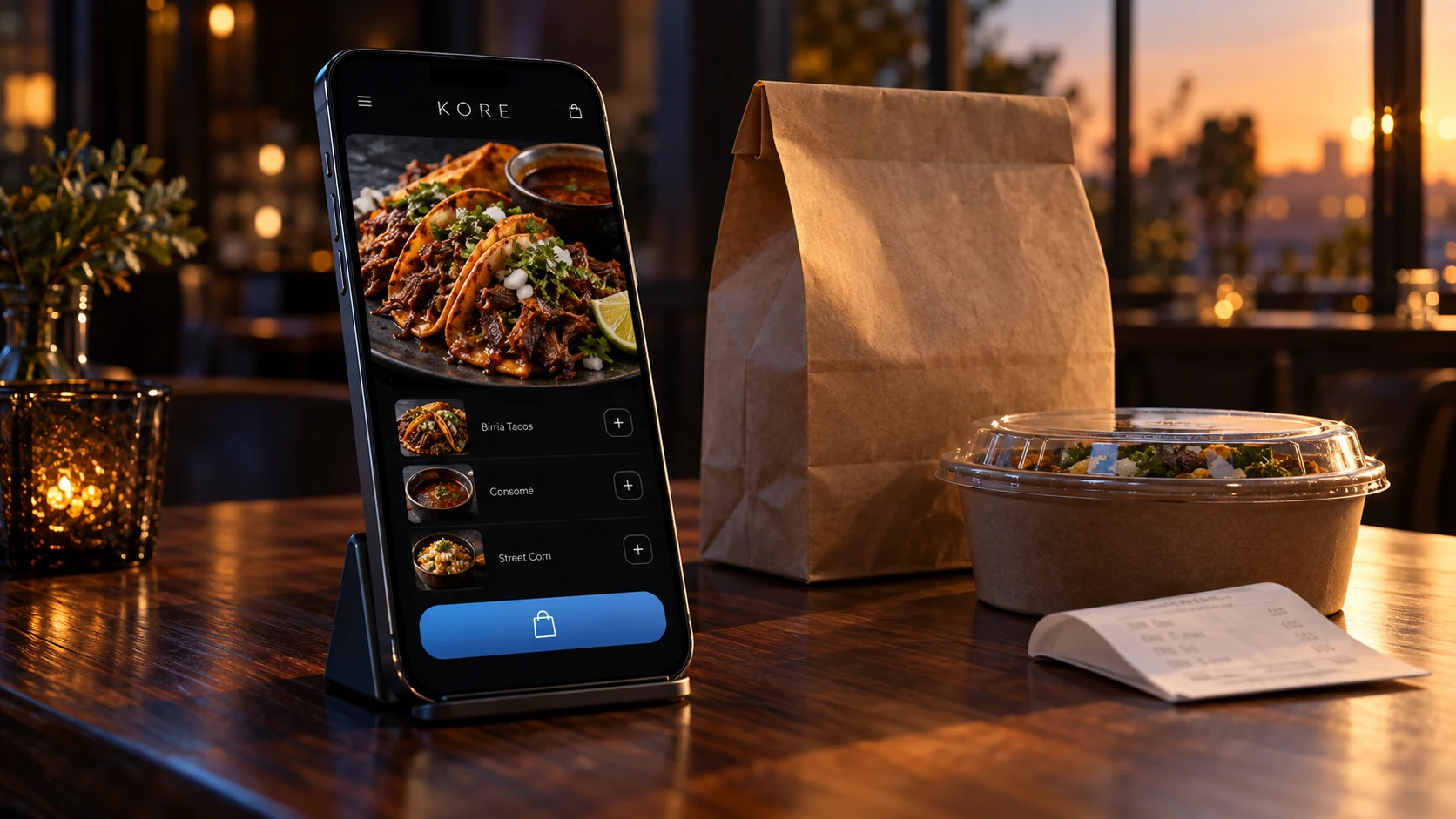 Conceptual KORE imagery; pilot features vary.
Built from restaurant operating experience, KORE pairs a shared order workflow with hands-on setup and training in English or Spanish. We are inviting restaurants, cafés and food trucks to explore the first local pilots.
Review how orders are taken, routed, prepared and closed. Define a simple process your staff can follow during a rush.
Use recipe and ingredient cost worksheets to inform prices and see where margins may need attention. Results depend on accurate inputs.
Plan a branded ordering experience for pickup around each business's menu and needs. Online payments and delivery integrations depend on implementation and provider availability.
ROADMAP We also aim to adapt Spanish-language ordering for Latino grocery stores, with pickup and store-managed delivery as the platform develops.
Pilot participants receive guided onboarding and 30 days without a software subscription fee; hardware, implementation scope and later pricing are agreed before installation. Features are evaluated with each pilot and may be in development.
Ask about a Pittsburgh pilot →Connect ordering, kitchen execution, customer retention and business data instead of running each workflow in a separate tool.
Move orders from counter or online ordering directly into kitchen workflows, with modifiers and notes attached to the order.
Build repeat business with customer profiles, points, rewards, offers and visit history as loyalty capabilities are enabled.
Design an order-ahead pickup experience for customers. Online payment is a planned integration subject to provider availability.
Structure product, channel and order data so operators can understand demand, peak periods and product performance.
Create the foundation for targeted promotions, customer re-engagement and rewards without losing ownership of the customer relationship.
Start with POS and KDS, then expand into ordering, loyalty, customer engagement, reporting and integrated payments as needed.